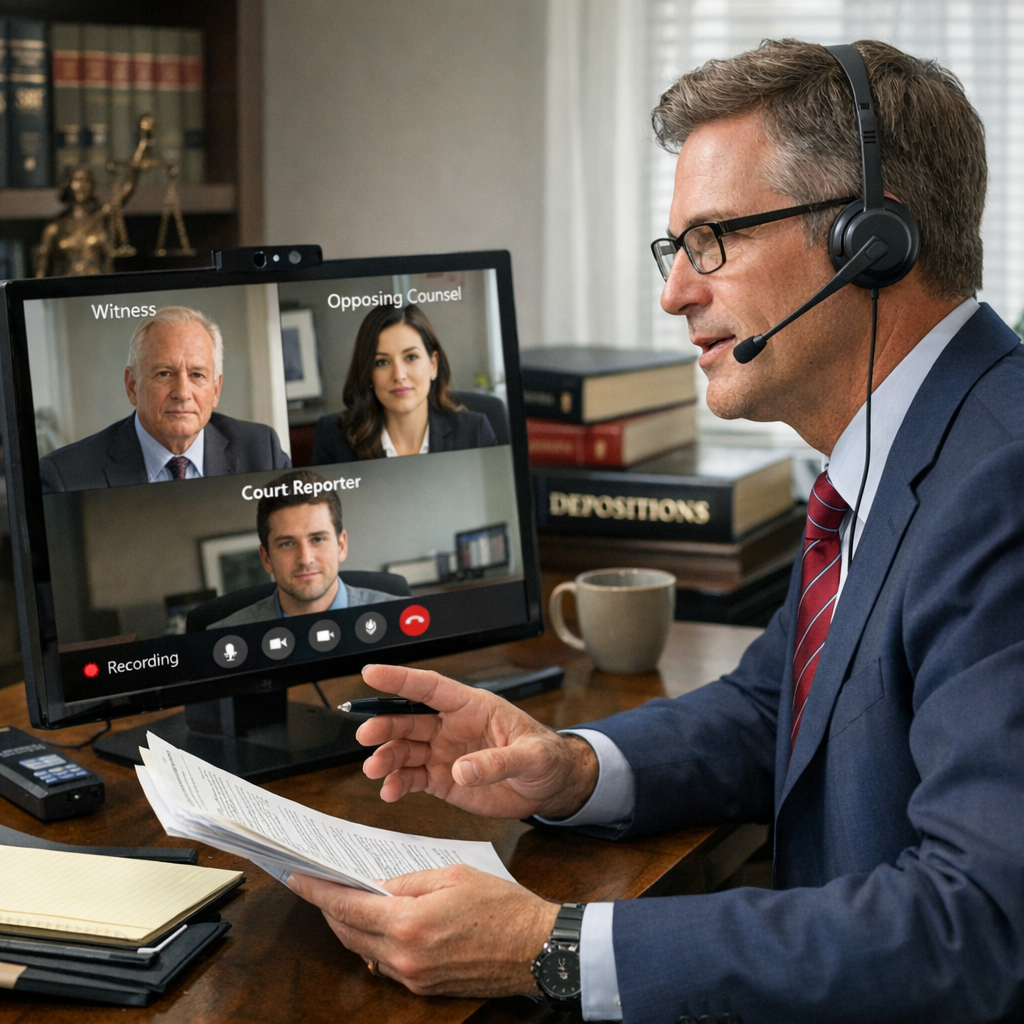

There's a pattern that every law firm IT director recognizes: Conference rooms work perfectly fine during testing, during training, and during casual internal meetings. But the moment a high-stakes deposition begins, or a client video call starts, or a judge joins remotely - that's when the camera freezes, the audio cuts out, or the screen goes black.
It's not bad luck. It's the predictable result of how conference room technology is typically managed - or more accurately, not managed - between critical meetings.
During my nearly 15 years as a trial lawyer, I experienced this phenomenon from the attorney's perspective more times than I'd like to admit. The technology would work fine all week, but the moment opposing counsel joined for a deposition, something would inevitably go wrong. Now, working with law firms through Call One, I understand why this happens - and more importantly, how to prevent it.
The Illusion of "Working Fine"
Most law firms operate their conference rooms on what might be called a "hope-based maintenance strategy." If the room worked last time, we assume it will work next time. If no one has complained recently, we assume everything is fine.
This approach fails because conference room technology degrades gradually and invisibly:
All of these issues exist in a latent state - present but not yet causing visible problems. Then, during a critical meeting when the system is under real stress, multiple small issues compound into complete failure.
Why Critical Meetings Trigger Failures
There's a reason problems surface during depositions, client calls, and court appearances rather than during casual internal meetings:
Higher Technical Demands
Critical meetings often involve scenarios that stress conference room systems in ways that routine calls don't:
Psychological Stress Amplification
When the stakes are high, people notice and react to technical issues differently:
The technology hasn't necessarily gotten worse - but the tolerance for imperfection has dropped to zero.
Murphy's Law in Action
There's also a simple statistical reality: If your conference rooms have a 95% reliability rate, that sounds pretty good. But if your firm conducts 20 video depositions per month, you're statistically guaranteed to have one failure - and it will feel like it always happens at the worst time because those are the failures you remember.
The Cost of Reactive Conference Room Management
When firms rely on reactive troubleshooting rather than proactive maintenance, the costs accumulate quickly:
Direct Financial Impact
Reputational Damage

IT Department Burden
What Proactive Conference Room Maintenance Actually Means
Preventing problems before they impact meetings requires a systematic approach that goes far beyond "checking if things work."
Continuous Health Monitoring
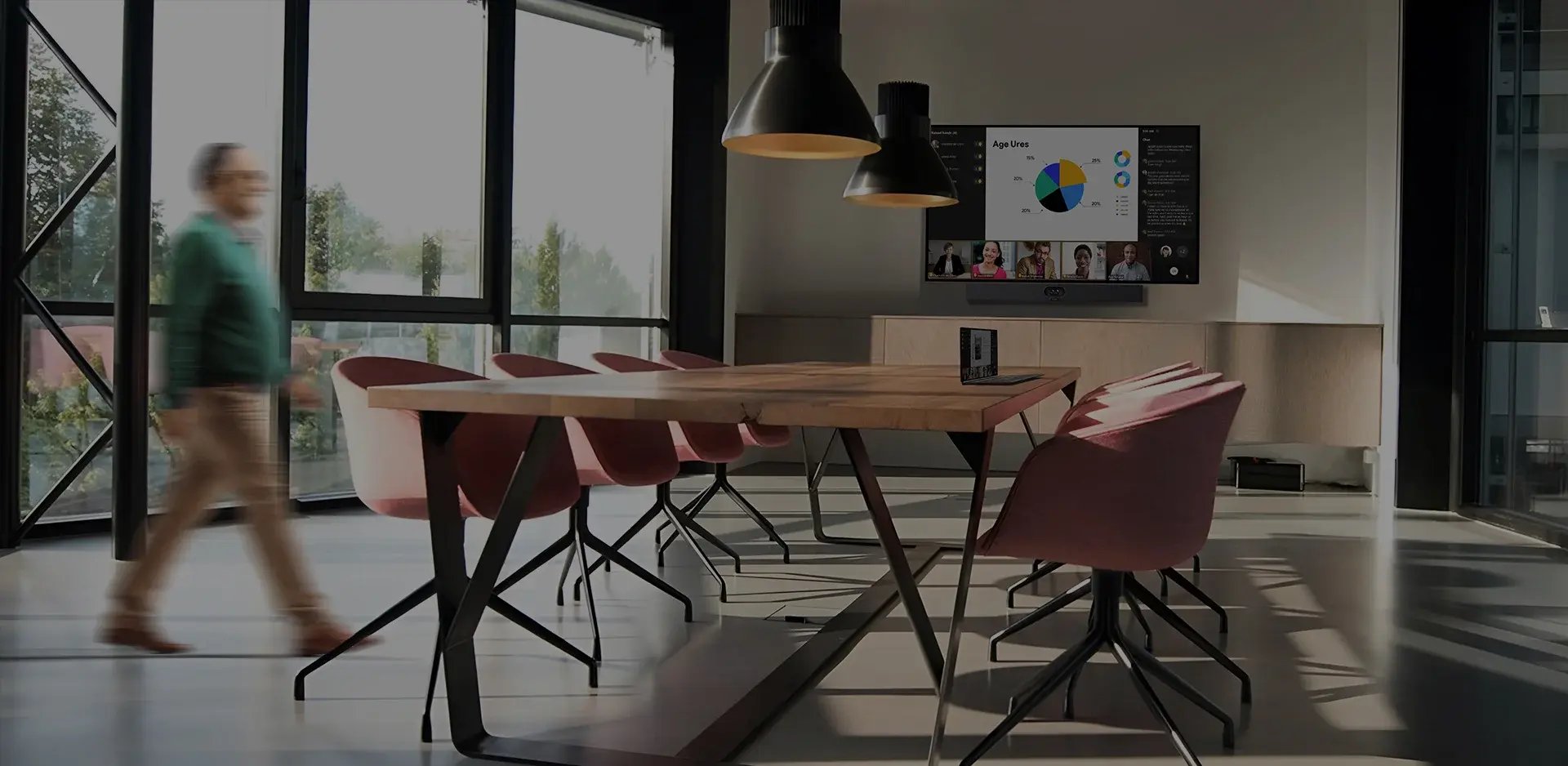
Modern conference room systems can be monitored remotely for signs of degradation.
This monitoring happens continuously in the background, identifying issues during off-hours when they can be resolved without impacting meetings.
Scheduled Preventative Maintenance
Remote monitoring catches many issues, but some problems require physical inspection.
These scheduled visits happen during times when conference rooms aren't needed, preventing the discovery of problems during critical meetings.
Predictive Replacement
Rather than waiting for components to fail completely, proactive maintenance includes replacing items that show signs of approaching end-of-life:
This approach eliminates the most common cause of mid-meeting failures: components that were "working fine" until suddenly they weren't.
Building a Proactive Maintenance Program
Transitioning from reactive troubleshooting to proactive maintenance doesn't happen overnight, but it follows a clear path:
- Establish Baseline Health – Document the current state of every conference room, including all components, firmware versions, and known issues
- Implement Monitoring – Deploy remote monitoring tools that provide visibility into room health and performance
- Create Maintenance Schedule – Establish regular intervals for on-site inspections based on room usage and criticality
- Define Response Protocols – Document what happens when monitoring detects an issue, including escalation paths and resolution timeframes
- Track and Analyze – Maintain records of all issues, resolutions, and preventative actions to identify patterns and improve over time
The goal is to shift from a model where problems are discovered during meetings to one where problems are discovered and resolved during maintenance windows.
The ROI of Prevention
Proactive maintenance requires investment - monitoring tools, scheduled service visits, and potentially a support agreement with an AV partner. But the return on that investment is substantial:
Quantifiable Benefits
Strategic Benefits
What to Look for in a Maintenance Partner
Not all AV support agreements include genuine proactive maintenance. When evaluating potential partners, look for:
The right partner views their role as keeping your conference rooms working, not just responding when they break.
The Bottom Line: Prevention Beats Reaction
Conference room problems don't actually surface at the worst possible moment - they're present all along, waiting for the right conditions to become visible. The difference between firms that experience frequent meeting failures and those that don't isn't luck. It's the difference between reactive troubleshooting and proactive maintenance.
When you implement systematic monitoring, scheduled maintenance, and predictive replacement, you transform conference room technology from a source of anxiety into a reliable tool that attorneys can trust.
The question isn't whether proactive maintenance is worth the investment. The question is whether you can afford another failed deposition, another embarrassing client call, or another emergency IT scramble during a critical meeting.
Ready to stop discovering problems during critical meetings? Call One's preventative maintenance program includes remote monitoring, scheduled on-site visits, and proactive component replacement - all designed to keep your conference rooms working when you need them most. Our approach is built specifically for organizations where meeting failures have real consequences. Contact our Team to learn more or to discuss a proactive maintenance plan for your firm.